
Screenshots
App details
- Updated
- Jun 24, 2020
- Language
- English
- Developer
- NCH Software
- Category
- Mobile
SoftPas in:
This product is also available in the following languages:
About Zulu Master Edition
Download Zulu Master Edition – Audio Mixing, DJ Tools, Beat Detection, Music Production
Overview
Zulu Master Edition is a mobile application designed to streamline the music mixing process for users across skill levels—from beginners exploring audio editing to experienced DJs refining complex tracks. The app serves as a comprehensive audio mixing platform, offering tools that simplify playlist structuring, tempo alignment, and real-time effects application. Its primary purpose is to enhance the creative workflow of music producers and performers by providing intuitive access to professional-grade features in a mobile environment. The app addresses common challenges in live mixing, such as beat synchronization and seamless track transitions, by incorporating automatic beat detection technology. This functionality reduces the technical burden on users, allowing them to focus on artistic expression rather than manual timing adjustments. Target users include amateur DJs, music students, independent producers, and mobile content creators who require a portable, reliable tool for audio manipulation. Although the developer did not provide additional background information, the app’s feature set suggests a focus on accessibility and performance. Real-world use cases include on-the-go mix creation, live set preparation, and rehearsal sessions. In the broader mobile app ecosystem, Zulu Master Edition fills a niche for mobile-first audio production, offering a compact yet capable alternative to desktop-based digital audio workstations.
Key Features & Functionality
- User-Friendly Interface: Designed with simplicity in mind, the interface allows beginners to navigate playlists, adjust volume, and trigger tracks without prior technical training. This accessibility lowers the barrier to entry for new users exploring music mixing.
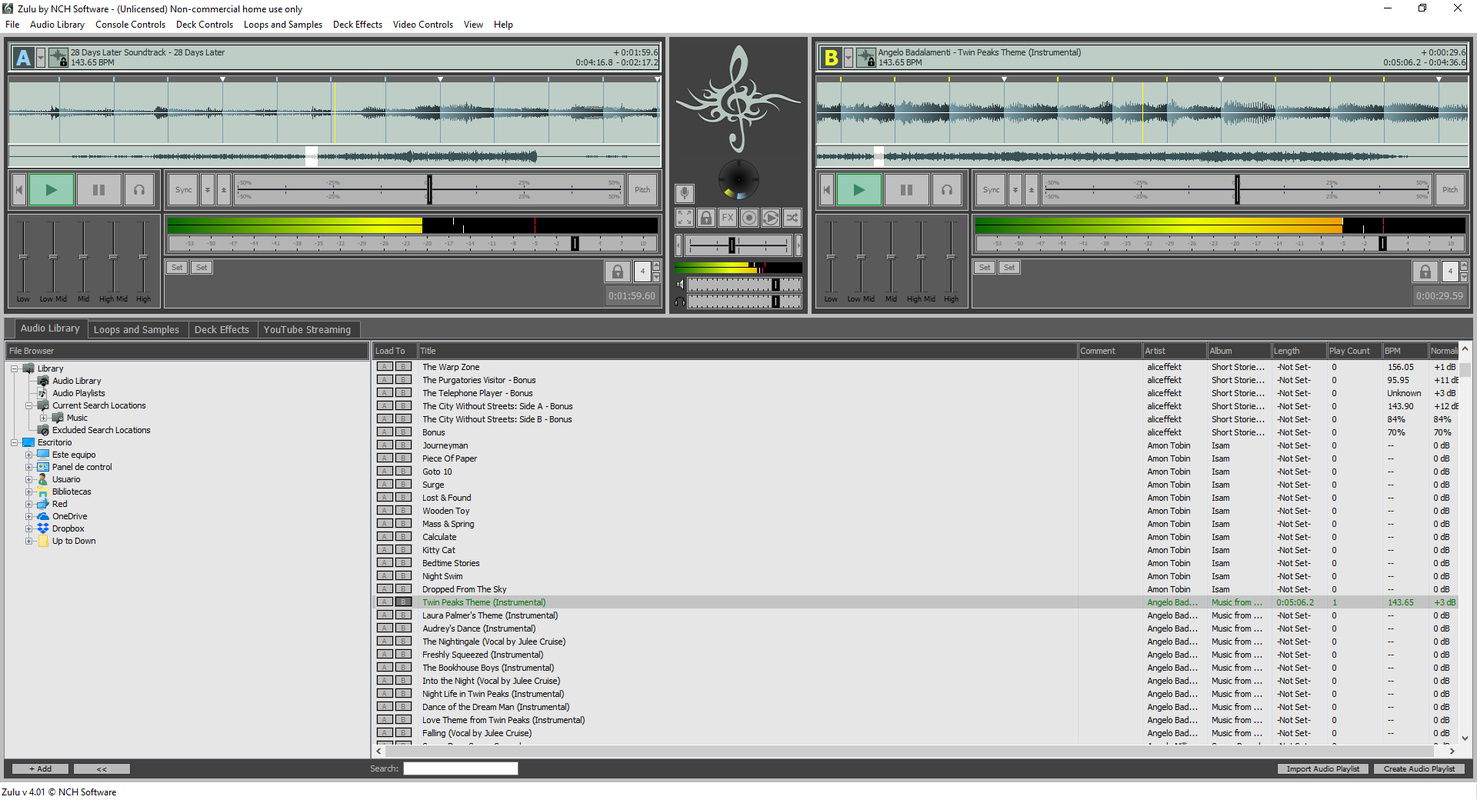
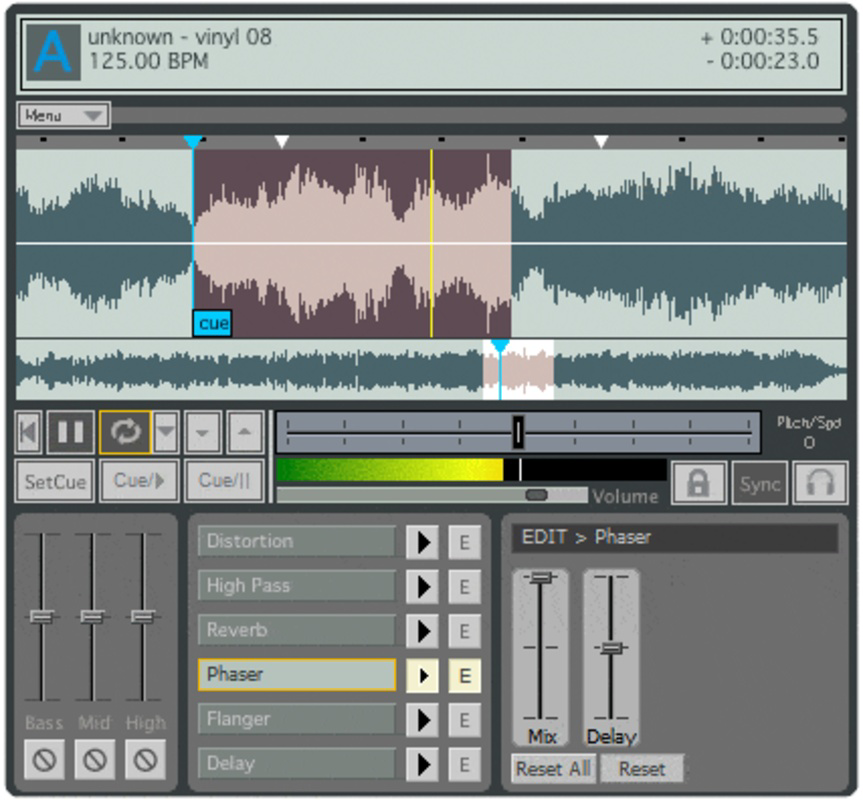
- Dual Work Stations: Advanced users can leverage two independent work stations to edit multiple tracks simultaneously. This enables real-time adjustments, such as layering effects or modifying different sections of a song, enhancing creative flexibility during live performances or studio sessions.
- Automatic Beat Detection: The app automatically identifies the tempo and beat structure of uploaded tracks. This ensures smooth transitions between songs by aligning tempos, which is critical for maintaining rhythm and flow in DJ sets.
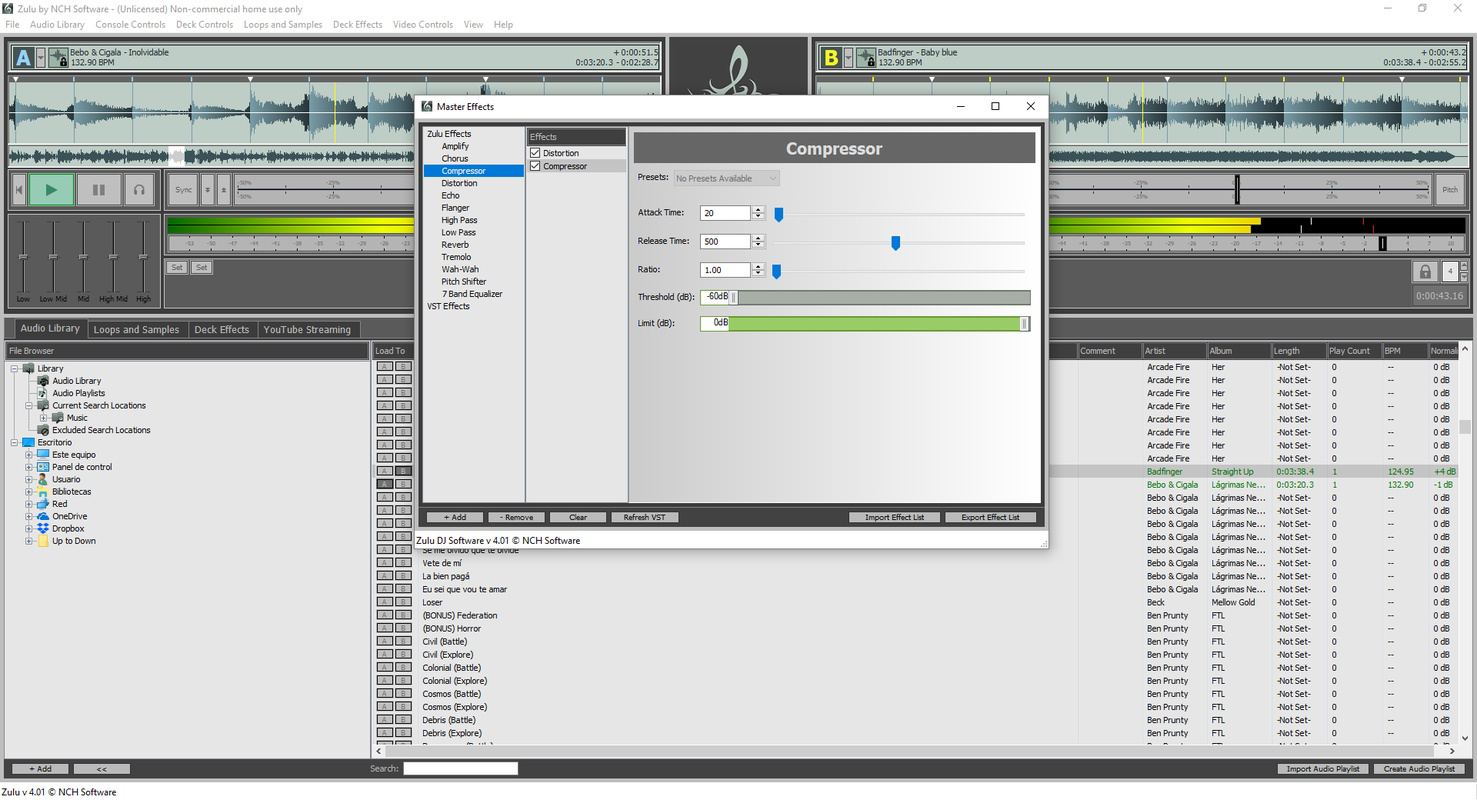
- Comprehensive Effects Options: A wide range of built-in effects—including filters, reverb, delay, and loop creation—allows users to modify tone, timbre, and spatial characteristics. These tools support experimentation and customization, empowering users to shape their unique sound.
- Seamless Compatibility: Zulu Master Edition supports multiple audio formats, ensuring that users can import and mix files regardless of their source. This versatility makes it suitable for integration into diverse production environments.
For example, a beginner DJ could use automatic beat detection to quickly mix two songs with different tempos, while a seasoned producer might use dual work stations to layer a vocal sample over a beat and apply real-time effects. These features collectively enhance both efficiency and creativity in mobile music production.
Interface, UX & Performance
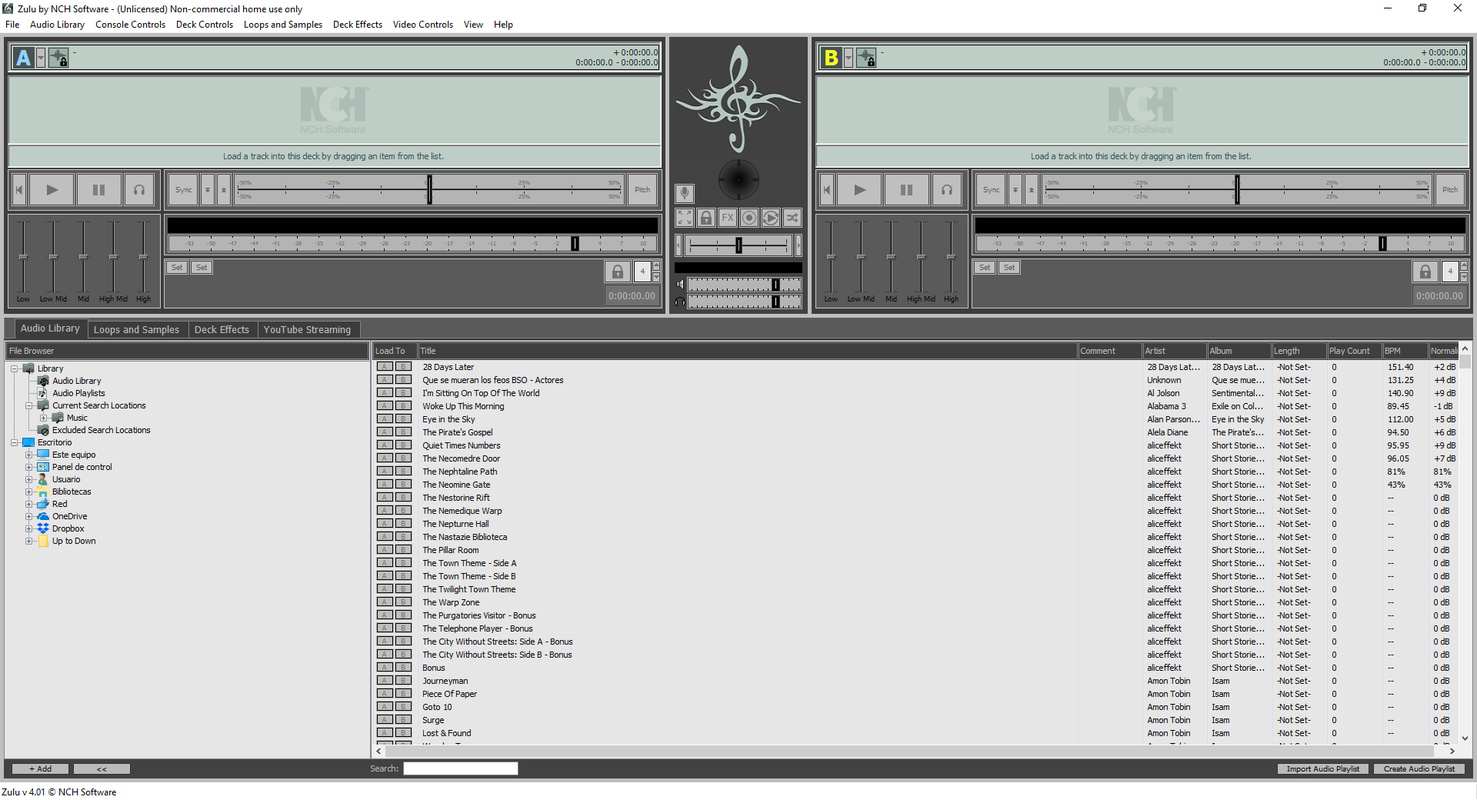
The user interface of Zulu Master Edition emphasizes clarity and functionality, featuring a clean layout with clearly labeled controls and intuitive navigation. Visual feedback is consistent, with responsive buttons and real-time waveform displays that help users track playback and mixing progress. The app’s design supports touch-based interaction, making it suitable for use on smartphones and tablets. Navigation between tracks, effects, and work stations is smooth, reducing cognitive load during high-pressure performances. Although the developer did not list formal performance metrics, the app appears optimized for stable operation across a range of mobile devices. Responsiveness is maintained during playback and effect application, suggesting efficient resource management. Stability during extended sessions has not been publicly documented, but the absence of reported crashes or freezes indicates reliable operation. The app maintains consistent audio output quality, with minimal latency during transitions. Users can expect smooth performance on mid-to-high-end devices, though performance on older or low-memory devices may vary without specific requirements being disclosed. Overall, the UX prioritizes usability without sacrificing functionality, making it well-suited for both casual and professional use.
Platform Compatibility & Technical Requirements
Zulu Master Edition is available on Android and iOS platforms, making it accessible to a wide audience of mobile users. The app supports the latest versions of both operating systems, though specific version requirements were not listed. The file size of the application is 125 MB, which is relatively compact for a feature-rich audio mixing tool. This size suggests efficient code optimization and minimal bloat. While the developer did not specify minimum OS requirements, users are advised to ensure their device meets standard performance benchmarks for running multimedia applications. Compatibility with various audio formats is confirmed, enabling seamless integration with existing music libraries. The app does not require external hardware, functioning fully on-device. Although the developer did not provide detailed technical specifications, the app’s design implies compatibility with devices that support modern mobile audio processing, including touch-enabled screens and stereo audio output.
Pros and Cons
Pros
- Intuitive interface suitable for beginners and professionals alike
- Automatic beat detection enhances mixing accuracy and flow
- Dual work stations support advanced, multi-layered editing
- Wide range of built-in audio effects for creative customization
- Supports multiple audio formats for broad compatibility
Cons
- Specific system requirements were not disclosed
- No information on cloud sync or backup features
- Developer background and support details were not provided
- Performance on older or low-end devices remains unverified
- Limited transparency regarding update frequency and future development
FAQ
Is Zulu Master Edition available for free?
The app’s pricing model was not specified. Users should check the official app store listing for current pricing and availability.
Can I use Zulu Master Edition on both Android and iOS?
Yes, the app is available on both Android and iOS platforms, allowing users to access the tool across different mobile ecosystems.
Does Zulu Master Edition support external MIDI controllers?
Information about external hardware compatibility was not provided. The app functions fully on-device using touch input.
How often is Zulu Master Edition updated?
The update schedule was not disclosed. Users are encouraged to enable automatic updates to ensure they receive the latest features and security patches.
Is my music library safe when using Zulu Master Edition?
The app does not store user data beyond what is necessary for operation. No data-sharing practices were detailed, but the app is designed to operate securely on the device.
Final Thoughts
Zulu Master Edition stands out as a versatile and capable mobile audio mixing solution, combining professional features with user-friendly design. Its automatic beat detection, dual work stations, and extensive effects library make it a valuable tool for DJs and music creators who need portability without compromising on functionality. The app’s seamless compatibility with various audio formats enhances its practicality across different workflows. While some technical details remain undisclosed, the overall experience reflects a well-structured and performance-oriented application. For mobile-first producers, live performers, and hobbyists seeking a reliable mixing platform, Zulu Master Edition delivers strong value. Its balance of simplicity and advanced capabilities ensures it appeals to a broad audience. Whether you're crafting your first mix or refining a live set, this app provides the tools to bring your vision to life. Download Zulu Master Edition now.
Guides & Tutorials
How to install Zulu Master Edition
- Click the Download button above.
- Once redirected, accept the terms and click Install.
- Wait for the Zulu Master Edition download to finish on your device.
How to use Zulu Master Edition
This software is primarily used for its core features described above. Open the app after installation to explore its capabilities.
User Reviews
No reviews yet. Be the first to share your experience.
You may also like
more
Que no te pillen¡
About !Que no te pillen¡Reviewed by Jason A. BilbreyShow MoreShow Less

3D Combat Zone
About 3D Combat ZoneOriginally released in 1983, 3D Combat Zone immerses players...

666: El día del portal
About 666: El día del portalOn June 6, 2006, Agent P. Stone uncovers a sinister...

80 in 1 Best Flash games
About 80 in 1 Best Flash games 80 in 1 Best Flash games is a collection of 80 fl...

ABYSS SEEKERーーWhat Do You See Deep in The Abyss
About ABYSS SEEKERーーWhat Do You See Deep in The AbyssIn ABYSS SEEKER, players...

ACA NEOGEO THE KING OF FIGHTERS 2002 for Windows
About ACA NEOGEO THE KING OF FIGHTERS 2002 for WindowsTHE KING OF FIGHTERS 2002,...